
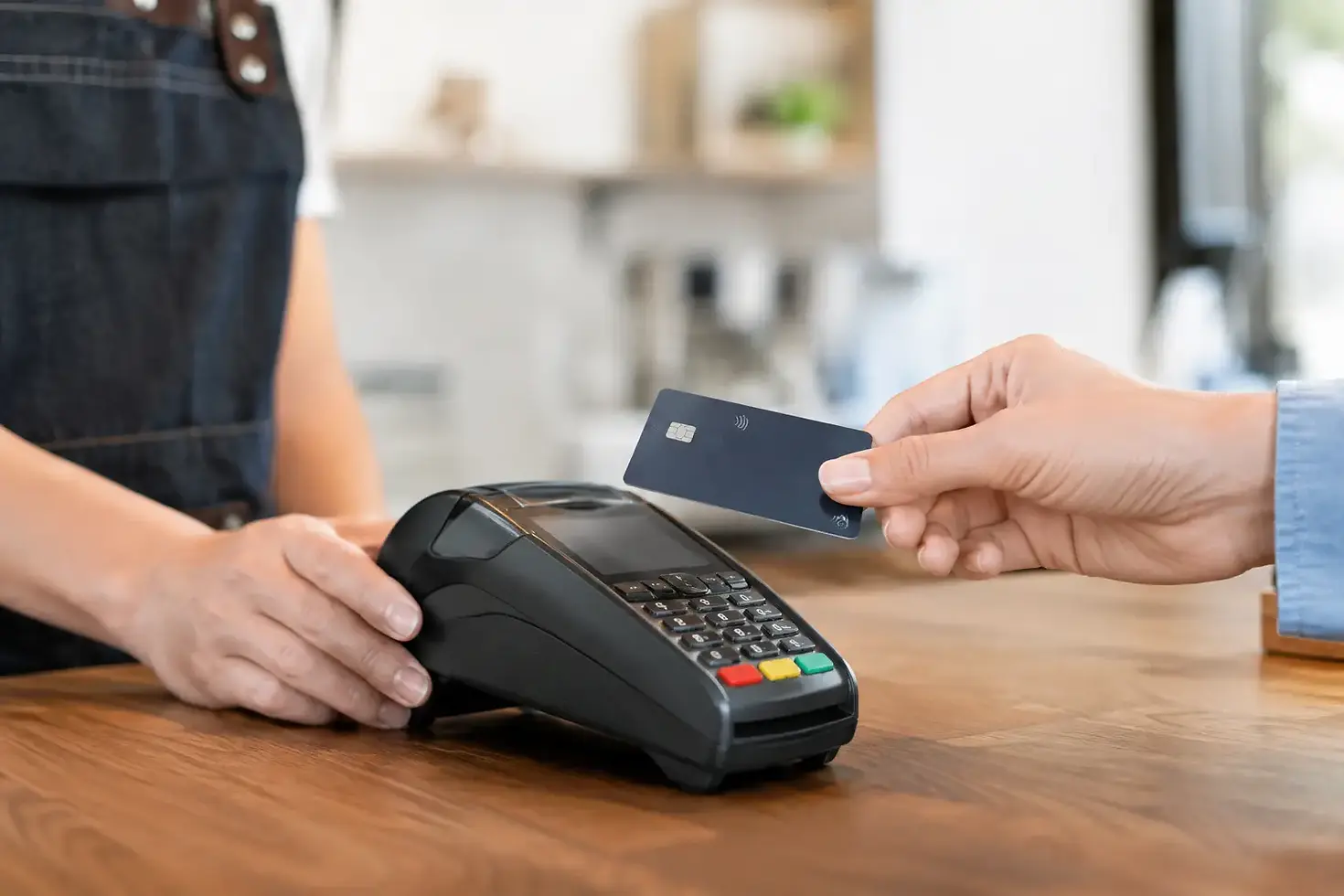
How to Protect Customer Card Data at Your Till

A busy Saturday service is the wrong time to discover that a card terminal has been tampered with, a shared till password is still active, or an online checkout has been misconfigured. To protect customer card data, your payment setup needs to make secure behaviour the easiest option for staff - whether they are taking payments at the counter, at a table or through your website.
For independent retailers, cafés, restaurants and takeaways, card data protection is not just an IT issue. It protects customer trust, reduces chargeback and fraud exposure, and keeps the business moving when every transaction matters.
What customer card data protection means in practice
Customer card data includes the information printed or encoded on a payment card, such as the card number, expiry date and security code. It also covers sensitive authentication data used to approve a transaction. Your team should never write down, photograph, text, email or store these details.
The practical aim is simple: keep card data out of your business systems wherever possible. A properly configured card terminal or online payment page sends payment information through secure payment channels, rather than leaving it on a staff member's phone, your EPOS notes, an inbox or a spreadsheet.
This approach reduces risk and helps keep your operation aligned with Payment Card Industry Data Security Standard requirements, commonly known as PCI DSS. The exact responsibilities vary depending on how you accept payments, so do not assume that using a card machine removes every obligation. Your provider should clearly explain what it manages and what your business needs to do.
Start with payment hardware you can trust
The terminal at your till is a security device, not just a way to take payment. Buy or rent hardware from a recognised provider, keep a record of each device's serial number and make sure it is installed correctly. Avoid second-hand terminals from unknown sellers, particularly where you cannot verify their history or software status.
Build a quick terminal check into opening and closing routines. Staff should look for loose parts, unusual overlays around the keypad or card slot, damaged seals, unexpected cables and screens that behave differently from normal. A criminal does not need long to fit a skimming device in an unattended location.
Contactless and chip-and-PIN payments are designed to keep sensitive data protected during the transaction. That protection is weakened if staff bypass normal processes, such as manually keying card details into an unsuitable system because a terminal is temporarily unavailable. If a device fails, follow your provider's support process rather than creating a workaround that puts card information at risk.
For businesses taking payments away from the counter, such as delivery operators, pop-up traders and table-service venues, mobile readers need the same care. Keep them with trained staff, charge them using approved equipment and do not leave them in vehicles overnight or on an unattended table.
Control who can access your EPOS and payment tools
Many card-data incidents begin with overly broad access, not a sophisticated cyber attack. A former employee still knows the manager PIN. Everyone uses the same EPOS login. A tablet used for ordering is also used for personal browsing. These habits save seconds but create an avoidable gap.
Give each team member their own login or PIN and assign access based on their role. A cashier may need to take payments and process limited refunds; they do not necessarily need access to settlement reports, payment settings or customer records. Managers should be able to review activity without sharing master credentials across the team.
Change default passwords before a system goes live, use strong unique passwords for business accounts and turn on multi-factor authentication where it is available. Remove access promptly when someone leaves or changes role. In hospitality, where seasonal turnover can be high, this should be part of the final shift checklist rather than an admin task left for later.
Keep POS devices, routers, computers and payment applications updated. Software updates can feel inconvenient during a trading day, but postponing security patches indefinitely is a poor trade-off. Schedule updates outside peak hours and confirm that staff know who to call if an update affects a device.
Protect customer card data in online orders
Online payments introduce different risks because customers are entering details remotely. The safest route is to use a hosted, secure checkout from your payment provider rather than building a page that collects and handles raw card details on your own website.
Make sure your site uses HTTPS, restrict access to website administration and keep e-commerce plugins, themes and integrations up to date. Remove tools you no longer use. Every unused plugin or old user account is another possible route into your business.
Be especially careful with telephone and social media orders. Never ask a customer to send card details by email, direct message or text. If you take a card-not-present payment, use an approved virtual terminal or secure payment link and train staff on the exact process. Notes written on order pads, kitchen tickets or delivery slips are not an acceptable substitute.
Customers may ask for a quick workaround when they are in a hurry. A clear, consistent answer protects both sides: you cannot accept card details through messages, but you can send a secure payment option or take payment through the approved channel.
Train staff for the moments that matter
Security procedures only work when they are realistic during a rush. Keep training practical and short. New starters should know how to inspect a terminal, recognise a suspicious request, protect their PIN and report a concern immediately.
Your team should be able to spot common warning signs: a caller claiming to be from a payment provider asks for a password or remote access; an email urges someone to install an update; a customer insists that staff write down their card details; or a terminal appears altered. Legitimate support teams should be able to verify their identity through an agreed contact route.
Set a simple escalation rule. If something looks wrong, stop using the affected device if it is safe to do so, keep it secure, and call your payment provider using the verified support number. Do not let staff investigate by unplugging, resetting or opening equipment unless they have been instructed to do so. Evidence can matter if fraud is suspected.
Use your network wisely
Your card terminals and EPOS systems rely on a network that needs basic protection. Change router admin passwords, keep router software current and use a secure Wi-Fi password. Separate guest Wi-Fi from the network used by tills, payment terminals and back-office systems.
This is particularly valuable in cafés, bars and restaurants offering customer Wi-Fi. Guests should be able to get online without being anywhere near the systems that process orders and payments. It is a straightforward separation that limits the impact if a guest device is compromised.
Avoid connecting payment equipment to public or unsecured Wi-Fi. If your business depends on mobile connectivity for events or deliveries, choose a managed connection or approved mobile data option, and plan for outages so staff are not tempted to record card details manually.
Have an incident plan before you need one
No merchant wants to think about a security incident, but a short response plan can prevent confusion from becoming a larger problem. Keep key provider contacts available to managers and define who is responsible for pausing affected payments, checking systems, communicating internally and recording what happened.
Your plan should cover at least four actions: isolate any suspicious terminal or account, contact your payment provider or acquiring bank, preserve relevant records without copying card data, and follow the instructions you receive on customer communication or reporting. The right next step depends on the issue, so avoid guessing or making public statements before the facts are clear.
Review your controls after a change in your business too. A new till point, online ordering platform, extra site or new delivery process can alter how payment data flows. The cheapest setup is not always the safest if it creates multiple disconnected systems and more places for staff to make mistakes.
Make secure payments part of good service
Customers rarely ask about PCI DSS or network segmentation. They notice whether payment feels professional: a clean, working terminal, a confident team member, a clear receipt and no request to share sensitive details in an unsafe way. That confidence is earned through the everyday controls behind the counter.
Choose payment technology that fits how you trade, keep responsibilities clear with your provider and give staff a process they can follow under pressure. When security is built into the way you take payment, protecting your customers also becomes one more way to protect the reputation you have worked hard to build.


Comments