
Monthly Payment POS Systems for Growing Shops

A busy Saturday is a poor time to discover that your till is slow, your card terminal is unreliable or your online orders do not match the stock on the counter. Monthly payment POS systems give retailers, cafés, restaurants and takeaways a practical way to replace ageing equipment without tying up a large amount of cash at the start.
Rather than paying for all of your EPOS hardware and setup in one hit, you spread the cost across predictable monthly payments. That can make a better system achievable sooner, while leaving more working capital available for stock, staff, rent, marketing or the next stage of growth.
What a monthly payment POS system should include
A point-of-sale system is more than a card machine. For most merchants, it is the working hub of the business: taking payments, recording sales, managing products, printing receipts and helping staff serve customers quickly. In hospitality, it may also manage tables, orders, kitchen printing, modifiers and split bills. In retail, it can support stock control, barcode scanning, discounts and customer reporting.
The value of a monthly plan depends on what is included. A low headline price is less useful if installation, training, software, support or replacement cover are extra. Before comparing offers, ask whether the monthly figure covers the hardware, EPOS software licence, card payment connection and ongoing technical help.
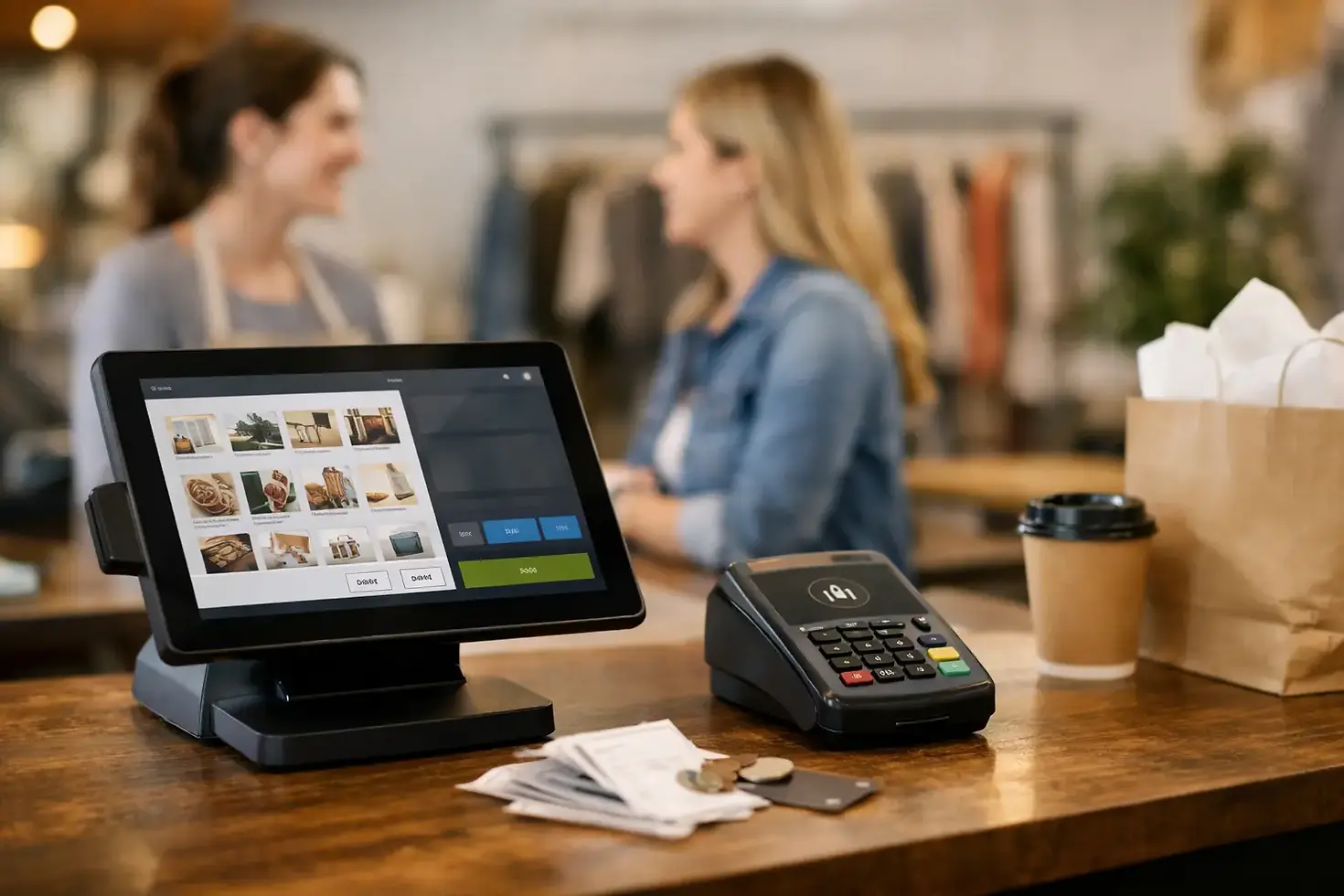
A well-built package commonly includes an EPOS touchscreen, receipt printer, cash drawer where required, secure card terminal and the software needed to run daily sales. Mobile card readers can be added for table service, queues, delivery counters and pop-up trading. The right combination depends on how your customers buy, not on how impressive the kit looks on a brochure.
Why spreading the cost can make commercial sense
Buying a complete EPOS setup outright can be sensible for an established business with spare capital and clear technical requirements. But for many independent operators, cash has more immediate jobs to do. A new menu, seasonal stock, a shop refit or an unexpected repair can all matter more than a large upfront hardware bill.
Monthly payment POS systems turn that capital purchase into an operating cost that is easier to budget for. You know what is due each month, and you can deploy equipment that supports faster service and clearer reporting now rather than waiting until the old system finally fails.
This approach is especially useful when opening a new location. A second café or retail unit needs more than a counter and stock. It needs dependable payments from day one, with equipment that staff can learn quickly and support that is available if something goes wrong during service.
There is a trade-off. Monthly plans may cost more over the full term than buying the same hardware outright. That does not automatically make them poor value. The right question is whether the monthly commitment is transparent, affordable and matched to the operational benefit you receive. A system that reduces queues, prevents missed orders and gives you cleaner sales data can earn its place in the budget.
Look beyond the monthly price
The monthly payment is only one part of the decision. Card processing charges, software fees, contract length and replacement arrangements can have a bigger impact on your total cost over time. Ask for a clear breakdown before you agree to anything.
Understand payment processing fees
Every card transaction has a cost. Some providers offer fixed or flat-rate pricing, while others use variable pricing based on card type, transaction volume or interchange. Neither model is automatically best. A business taking mostly consumer debit cards may prioritise a simple predictable rate, while a merchant processing higher-value corporate or international cards may need more detail.
Check how refunds are handled, whether there are minimum monthly charges and whether online payments are priced separately from in-person transactions. If you run a restaurant, takeaway and online ordering operation, all three channels should be considered together. Fragmented systems can leave you with confusing reports and several bills to reconcile.
Check the contract and ownership position
Find out how long you are committed for, what happens at the end of the term and whether you own the hardware. Also ask what happens if you close a site, relocate, need additional devices or want to upgrade.
A flexible arrangement is valuable when your business is changing, but flexibility should be defined in writing. Be wary of vague promises around upgrades, cancellation or equipment returns. Clear terms protect both sides and help you plan with confidence.
Put support and replacement cover on the checklist
A terminal fault at 9am can cost sales. A fault at 8pm on a Friday can disrupt an entire service. That is why support should be treated as part of the product, not an afterthought.
Check support hours, where the support team is based and how quickly faulty hardware can be replaced. UK-based technical support and next-day hardware swap arrangements can make a material difference to a hospitality business that cannot simply stop taking cards. Professional installation also reduces the risk of opening day delays and avoids leaving staff to work out complex setup alone.
Choose the system around your trading model
The best EPOS setup for a boutique is unlikely to be the best choice for a high-volume takeaway. Start with the points in your day where service slows down, mistakes happen or information gets lost.
A convenience shop may need fast barcode scanning, product categories, age-restricted sales prompts and stock visibility. A salon may care more about appointments, deposits and staff reporting. A café might need a compact counter terminal, mobile devices for table service and a clear view of daily takings. A restaurant needs orders to reach the right kitchen station, even during a full sitting.
Think about future requirements too. If you plan to add online ordering, click and collect, delivery or another site, choose a provider that can connect those sales rather than forcing you to run separate systems. One view of transactions and reporting saves time at the end of each week and makes it easier to understand what is actually selling.
Questions to ask before you sign
A provider should be able to answer straightforward commercial questions without jargon. Ask what hardware is included, what the monthly charge covers and whether any upfront payment is required. Confirm the card rates, contract term, installation process, support availability and replacement policy.
You should also ask how long setup takes and what is needed from you before installation. Internet connectivity, counter space, product lists and staff availability for training can all affect the timeline. A good provider will explain the process clearly and minimise disruption to trading.
For businesses handling busy service periods, ask about offline capability and what happens if broadband drops. No system can remove every risk, but a sensible contingency plan matters. It may include backup connectivity, a mobile terminal or a clear process for recording payments safely during an outage.
Data security also deserves attention. Your system should support secure payment processing and help reduce unnecessary exposure to card data. Staff should never need to write down card details or find workarounds because the system is difficult to use. Simple processes are usually safer processes.
When a monthly plan is the right fit
A monthly plan is often a strong fit if you are opening, refurbishing, replacing unreliable kit or adding another trading point. It can also suit established merchants who want to protect cash flow while moving to a more capable system.
It may be less suitable if you only need a single basic card reader, have no need for EPOS functions or can comfortably buy the exact equipment outright. The aim is not to put every business on the same package. It is to pay for the tools that make your operation quicker, clearer and more dependable.
For retail and hospitality businesses in Edinburgh, Glasgow, London, Manchester and beyond, the practical test is simple: will the system help your team take payments without friction and give you a predictable cost base? If the answer is yes, spreading the investment can be a smart operational decision.
Flow Pay UK combines EPOS hardware, secure payments, professional installation, hardware cover and UK-based support in one merchant package, so businesses are not left coordinating several suppliers when they should be serving customers.
Choose a monthly plan with clear pricing, suitable equipment and support you can reach when trading is at its busiest. Your point of sale should keep the business moving, not become another problem waiting behind the counter.


Comments