
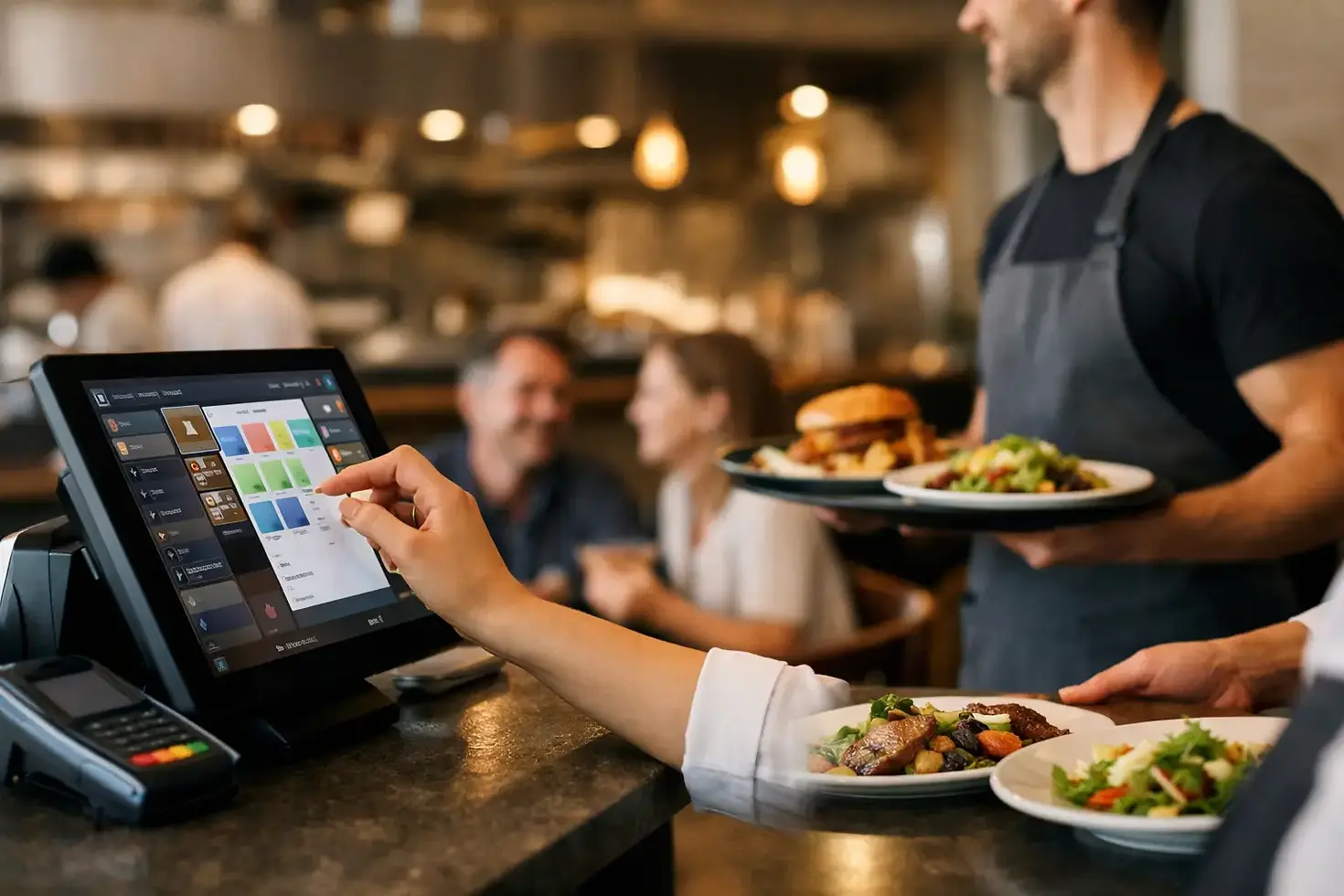
Restaurant POS That Keeps Service Moving

A packed Friday service exposes every weakness at the till. A handwritten modification gets missed, a card terminal loses connection, the kitchen receives the wrong table order, and staff spend the close-out searching for figures that should already be clear. The right restaurant POS turns those pressure points into a controlled, repeatable process - from the first order to the final payment.
For independent restaurants, cafés, takeaways and growing hospitality groups, a POS system is not simply a screen for taking card payments. It is the operational point where front of house, kitchen, stock, reporting and customer service meet. Choosing well can reduce queues, limit avoidable mistakes and give owners a clearer view of how the business is performing.
What a restaurant POS should do
A restaurant point-of-sale system should follow the way your team actually works. That means staff can open tables, move covers, split bills, add modifiers, send orders to the kitchen and take payment without switching between disconnected devices.
At the same time, managers need the system to capture the detail that matters. Which dishes sell best? When are the busiest hours? How often are discounts being applied? Which staff member processed a refund? Useful reporting answers these questions quickly, rather than leaving you to piece together card receipts, handwritten notes and separate software reports.
The core job is simple: take the right order, send it to the right place, collect payment securely and record the sale accurately. The value comes from doing all of that at pace, even when every table is ordering at once.
The features that matter during service
Not every venue needs every available feature. A 20-cover bistro has different priorities from a high-volume takeaway or a bar with multiple serving points. But several functions make a material difference in most food businesses.
Table management and order accuracy
A clear table plan helps staff see open tables, active bills and covers at a glance. It should be quick to transfer a table, add a guest or move items when a party changes seats. During busy shifts, those small actions need to take seconds, not hold up a queue at the bar.
Modifiers are equally important. Allergies, cooking preferences, extra sides and meal-deal choices must reach the kitchen exactly as entered. A well-configured POS lets the team select common requests consistently, reducing unclear notes and costly remakes.
Kitchen communication that does not rely on shouting
Whether you use printed tickets or a kitchen display screen, orders need to arrive clearly and in the correct sequence. A practical setup can route drinks to the bar, starters to one prep area and mains to the main kitchen. It also gives front-of-house staff a better sense of what has been accepted, prepared or delayed.
This is particularly useful when your kitchen is out of sight, or when delivery, collection and dine-in orders are all running at the same time. The trade-off is that kitchen screens require thoughtful setup and staff training. They work best when menu categories, stations and ticket priorities are agreed before launch.
Fast, flexible payments
Customers increasingly expect to pay at the table, split a bill without fuss and use card or contactless payment for almost everything. Your POS should make these moments straightforward. Staff should be able to divide a bill by item or amount, accept different payment methods where needed and issue a receipt without restarting the transaction.
Integrated card payments can also cut down on manual errors. When the payment terminal and till work together, the sale amount is sent directly to the terminal rather than being keyed in twice. That saves time and helps prevent an incorrect amount being charged.
Reporting owners will actually use
A report is only useful if it helps you make a decision. Daily sales totals, payment breakdowns, voids, refunds, staff activity and top-selling menu items are a strong starting point. Over time, this information can support smarter staffing, menu changes and promotional planning.
For example, if weekday lunch is consistently slower than expected, you can test a tighter menu or a timed offer. If a high-margin dish performs well but is rarely suggested, that is a training opportunity. The POS cannot run the restaurant for you, but it can replace guesswork with evidence.
Choosing a restaurant POS for your service model
Start with the customer journey, not a long feature checklist. Think through how an order moves from greeting to payment on your busiest day. Then identify where delays, mistakes or duplicated work happen now.
A full-service restaurant may prioritise table plans, split bills, handheld ordering and kitchen routing. A café may need rapid counter service, custom drinks and loyalty options. A takeaway may put collection orders, delivery integration and clear order status first. If you operate across more than one model, such as dine-in and delivery, the system must handle both without creating separate reconciliation tasks at the end of the day.
Hardware matters too. Fixed tills suit a central counter, while mobile devices can help staff take orders or payments around the dining room. Printers may still be the right choice for a compact kitchen, but a digital kitchen display can be more useful where volume is higher and several preparation areas are involved.
Do not buy more equipment than you need. However, do not choose a basic setup that leaves one queue forming at the only payment point during peak service. The right number of devices depends on covers, floor layout, order volume and how quickly tables turn.
Look beyond the monthly price
A low headline figure can be attractive, but restaurant operators should assess the complete cost of taking payments and running the system. Ask what is included in the plan, whether installation is covered, how payment processing is priced and what happens if hardware fails.
Downtime is not an inconvenience in hospitality. It can mean missed orders, frustrated guests and staff unable to close bills. Reliable connectivity, secure payment processing and practical support should carry real weight in your decision. A provider that offers professional installation, hardware cover and UK-based technical support can reduce disruption when you need help quickly.
Also consider the cost of change. Moving to a new POS takes time: menus must be built, staff need training and existing processes may need adjusting. The aim is not to avoid change altogether. It is to choose a provider that helps you make the change without losing a weekend of trade to poor preparation.
Set it up around your menu, not the default screen
The configuration stage determines whether a POS feels helpful or frustrating six months later. Build the menu in the same order staff naturally use it. Put popular items where they are easy to find, group modifiers logically and make sure prices, VAT settings and allergy information are checked before service begins.
Give each staff member the right access level. Servers may need to open and settle tables, while managers should approve refunds, voids and discounts. This protects the business and creates an auditable record when something needs investigating.
Before going live, test real scenarios with your team. Run through a split bill, a refund, a table transfer, an out-of-stock item and a busy order with multiple modifications. It is better to find a confusing button during a quiet test than when a queue is building at the door.
Make the POS part of better daily control
The best restaurant POS is not necessarily the one with the longest feature list. It is the one your team can use confidently at speed, while giving you dependable payment data and a clear picture of trade.
Flow Pay UK supports hospitality merchants with payment technology, EPOS, installation and ongoing support in one practical package. For a restaurant owner, bringing those essentials together can mean less time chasing separate suppliers and more time focused on food, service and profitable growth.
Choose a system that fits how you serve customers now, but leaves room for the next busy shift, the next location or the next revenue stream. When the till works properly, your team can keep their attention where it belongs: on the guest in front of them.


Comments